The equipment booking
system designed for
Higher Ed
 Fast checkout and easy tracking
- Online booking
- Asset management made simple

The equipment booking
system designed for
Higher Ed
- Fast checkout and easy tracking
- Online booking
- Asset management made simple
See how Connect2 works with a free, no-obligation demo.
Connect2 supports universities
with better equipment management
150+
Universities using Connect2 software for equipment loan services

9+ hrs
Time-saving per week for staff issuing and tracking resources in Connect2
70%
Average equipment loans reserved online in advance
= Massive efficiency gains
80%
Fewer lost items
= Big cost savings
Key features in Connect2
The equipment booking system

Checkout/in software for fast item turnaround
- Control timeslots to manage footfall
- View checkout/ins for day ahead
- Add items to pre-booked checkouts on the fly

For more efficient inventory management
- Centralised database of all usage
- Real-time status and location of all items
- Save time with barcoding and QR codes

Easy equipment and room reservations
- Intuitive online bookings
- Instant authorisations
- Notifications and reminders included

Single Sign-on and system security
- Authentication to student database
- No user registration required
- No need to manage or store passwords
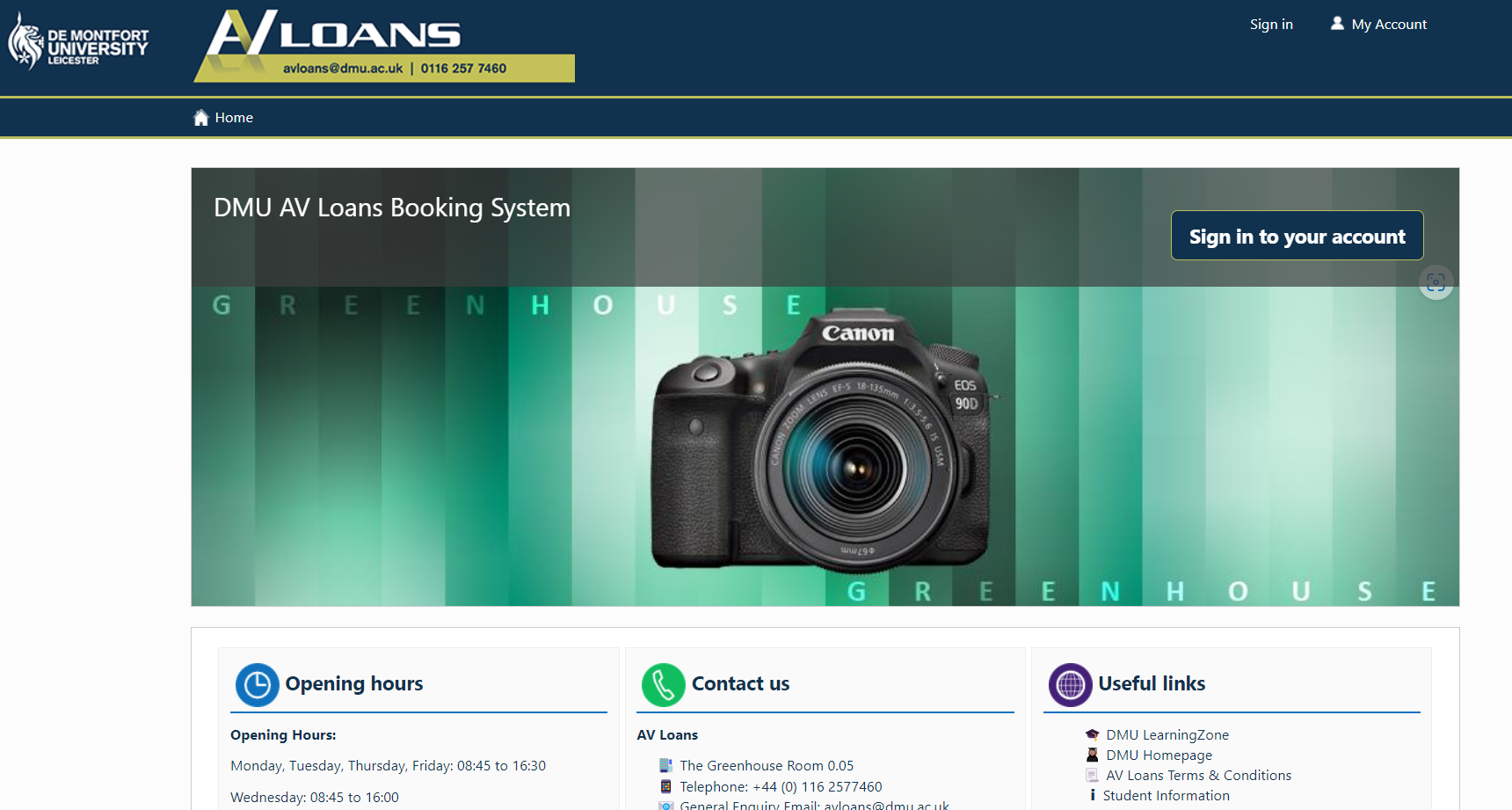
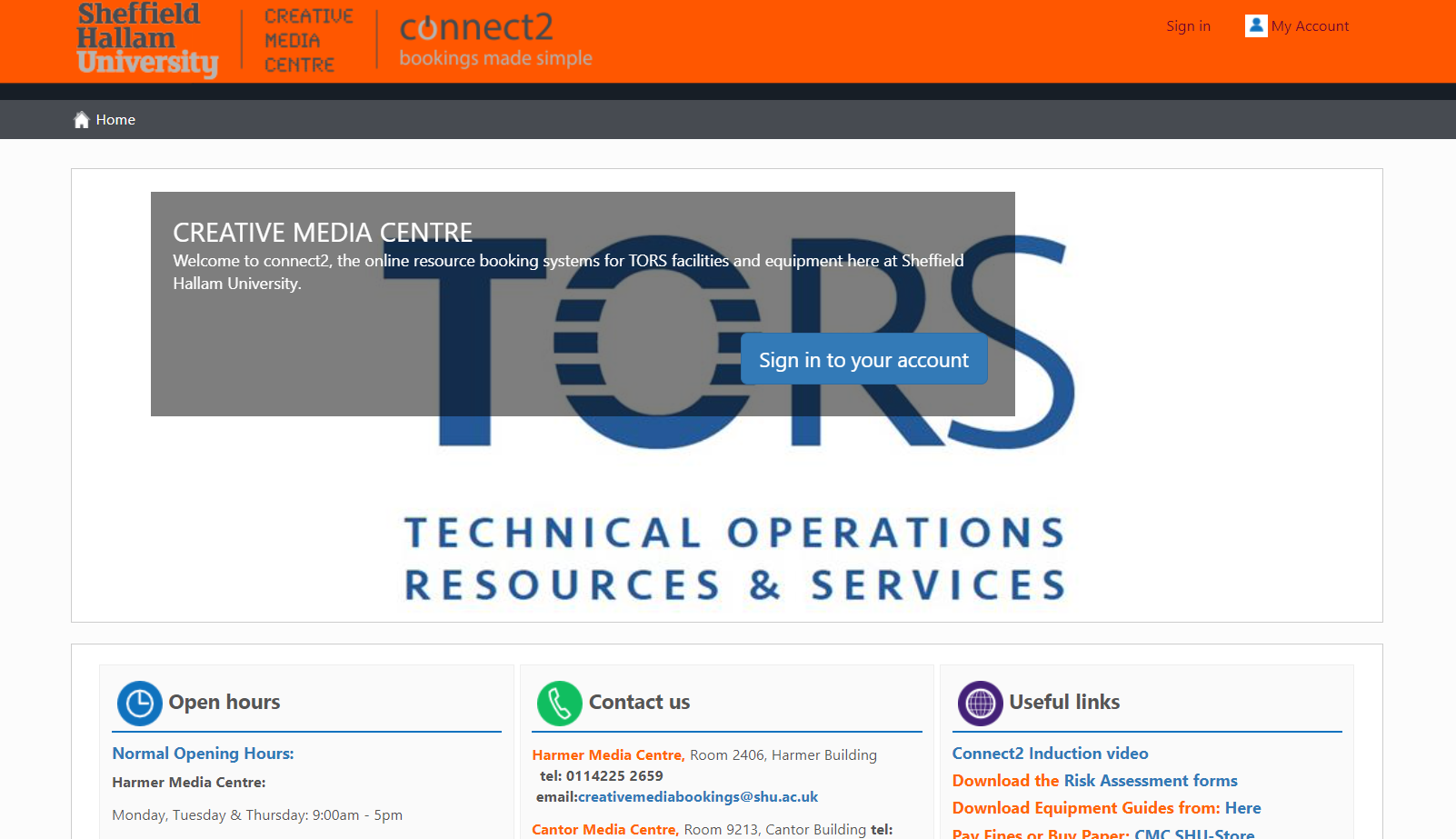
Here are some examples of
Connect2 customer systems





Why Connect2 is No.1 in Higher Ed

 Supporting cage managers and staff
 Loved by students
 Approved by faculty
 Chosen by department chairs
 See why staff love using Connect2:
- Minimises admin around cage management
- Ensures you always know your stock
- Enables you to plan and schedule
With connect2 our staff are not tied up managing bookings all day now, they can use their time looking after the equipment and working with students.
”
Learn why Connect2 is their No.1 choice:
- Make reservations 24/7 with instant confirmations
- View all resource availability in real-time
- Build and manage kit lists for your projects
The connect2 system is very intuitive, and students can start making their bookings without any training or documentation.
”
Faculty adopt using Connect2 for important reasons:
- It ensures students have all they need to perform well
- Borrowing is controlled and expensive equipment protected
- Removes stress and work from organizing equipment access
Now, as equipment access is so much faster and simpler, teachers are getting students to use the gear more in class and can build their lesson plans around it.
”
Here’s how choosing Connect2 always pays off:
- Increases equipment ROI with fewer losses and higher usage
- Offers staff a smarter, more productive way of working
- Showcases all resources available to students
While staff admin has dropped dramatically, student usage of the equipment loan service has increased by 35%, providing improved ROI on equipment investment and as a service overall
”
Proven time and cost savings with Connect2
Average hours saved weekly
Protect your
budget
Lost item costs
cut by
80%
Cut email
volumes
Student queries
cut by
50%
Improve
availability
Late items
cut by
90%
Connect2 Customers include:

Cardiff Metropolitan University

De Montfort University



Dun Laoghaire Institute of Art Design and Technology

Manchester Metropolitan University
Newcastle University


Case Studies and Research
Case Study: Connect2 at the Royal College of Art
Read More >>
Connect2 Case Study: Northern Film School at Leeds Beckett University
Read More >>
Connect2 case study: Equipment lending relaunch at Edge Hill University
Read More >>Connect2 Equipment Booking System:
How it Works
What is Connect2? Connect2 is an online equipment booking system that enables students and staff to reserve assets in advance. This includes university equipment, studios, labs and other spaces. It supports a speedy checkout and check in process for an efficient turnaround of each loaned asset.
The benefits for your equipment loaner service are huge. The online booking system allows students to instantly check asset availability and reserve items. Equipment rental is made exceptionally easy for employees with real time data and reports, straightforward maintenance processes, plus key tools and alerts for controlling and managing inventory. With Connect2, spreadsheets become a thing of the past with inventory data processes all automated.
As an essential asset management software for the Higher Ed environment, Connect2 can be deployed on the university network or supplied as a cloud-based service.
How do you access Connect2? Equipment checkout systems give the greatest advantages when online and available at all times. Students can access the Connect2 booking website 24/7 from any online device, so they have the power to reserve or renew items whenever needed. A link is provided from the LMS, the university’s own website or other student portal. Students and staff can authenticate using their usual ID and password to access the booking site.
How do you reserve resources in Connect2? Equipment rental is easy with Connect2 scheduling software. It’s designed with a clean, easy to use online booking interface. Simply browse the assets, add to the cart, select a reservation time and date in the calendar view, then agree to the terms and conditions to finalise a reservation. The guided step-by-step online booking process is simple and intuitive. Availability of items is always clear, with real time data in the app interface. It’s impossible to schedule double bookings. Automated email notifications confirm each online booking and remind customers when each checkout is due.
The booking website ensures users are aware of terms and conditions as part of the reservation process, so that they use equipment items responsibly and return them when agreed.
How do you perform equipment checkouts? At the time of the booking, the user visits the store or cage location with their student ID. Staff will have had time to view reservations and prepare equipment for checkout. They simply scan the ID to bring up the relevant booking in Connect2, scan the items and give them to the user. The equipment checkout is complete! It’s a system that requires no paperwork.
With Connect2, it’s never been easier to manage your bookings. Staff will always checkout the correct assets to each customer due to clever use of barcodes that integrate with the equipment scheduling software.
How do you check in a resource? Connect2 issues automatic reminders for when items are due back. The user returns them to the store where staff scan assets back in. If equipment assets are late, penalties can be applied automatically and users temporarily stopped from being able to create further bookings in the equipment checkout software.
Asset tracking is complete and 100% reliable due to the checkout software compatibility with barcoding systems. You will always know exactly what’s out, what’s returned and what’s late. Our account manager can provide further advice on barcoding if needed.
How does Connect2 maintain control of assets? With Connect2, equipment usage stays under control with the availability of a number of important features and tools in the scheduling software. Users only see and book items they are permitted to use. These rules can be applied automatically by course, year, module or whether the necessary training has been completed. Other rules such as booking length defaults can also be applied to the scheduling calendar. Late returns and cancellations are flagged to staff, helping them to manage or cancel any other impacted bookings.
Connect2 supports user accountability with thorough communications, data and reminders on any late, lost or broken assets. With this booking system, there’s always time for staff to schedule replacement items to avoid disruption and for greater support managing projects and classwork.
As a complete equipment management solution, Connect2 offers the benefits of real-time asset tracking, inventory data and reports. It’s the effortless way for staff to manage their service and control equipment use. And with a comprehensive usage history, it’s the perfect tool for keeping track of who has what so there’s full accountability.
How do usage analytics in Connect2 support universities? The online booking history builds in the equipment checkout software to provide a rich database of resource usage for lifecycle management and further purchasing decisions. Asset usage data is provided at the individual item or collection level. Asset tracking information is also provided as part of a daily dashboard on all checkout and check in activity.
In summary, why is Connect2 the equipment scheduling software of choice? This essential equipment booking software provides a complete end to end solution from the initial reservation of assets, to supporting the equipment checkout process, to facilitating the prompt return of all items. The carefully designed, clean interface and workflow leads to fast adoption of the checkout system. This quickly pays off in multiple saved admin hours and high levels of satisfaction as customers – whether as students or staff – repeatedly make their own reservations for equipment items.
With its clear communications, automatic reminders and essential asset data, the Connect2 scheduling system actively reduces equipment losses and helps staff recover missing equipment. Asset tracking data, full usage histories and equipment maintenance logs mean your inventory is always well managed and in capable hands.
